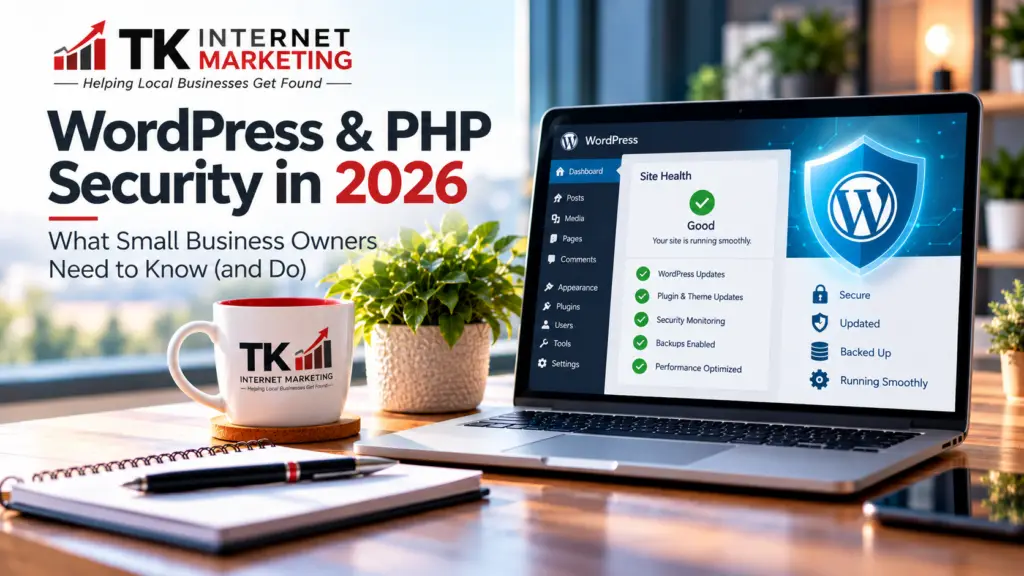
If you’ve heard about the recent PHP security vulnerabilities and are wondering whether your WordPress website is still safe, you’re not alone. It’s a reasonable concern, and one I’ve been thinking about quite a bit myself.
Over the past several days, I’ve been reviewing security announcements, checking hosting environments, and considering what these developments mean for the small businesses that depend on their websites every day.
When a serious security warning makes the news, it’s natural to wonder whether your website, customer information, or online business could be at risk.
After more than 23 years in the website design and digital marketing business, I’ve learned that technology will always change, and security threats will always exist. What matters most is how we prepare for them and respond when they happen.
My message to small-business owners is simple: There’s no reason to panic or rush to replace your WordPress website. But there are good reasons to make sure it’s being properly maintained.
What Happened With PHP in October 2026?
On October 21, 2026, the PHP development team released emergency security updates addressing two critical vulnerabilities.
PHP is the programming language that helps power WordPress and many other websites. Think of it as part of the machinery working behind the scenes to make your website function.
The vulnerabilities could potentially allow attackers to run unauthorized code on affected servers.
That sounds frightening, and the seriousness of the announcement shouldn’t be dismissed.
However, there’s an important distinction I want business owners to understand.
A security vulnerability does not automatically mean your website has been hacked.
It means a weakness has been discovered that needs to be addressed.
In this case, the PHP development team released security fixes, and hosting companies began deploying them.
For example, GoDaddy reported that it had patched its Managed WordPress Hosting environments on October 21 and its Web Hosting environments by October 22.
A separate PHP vulnerability was also disclosed, and as of October 23, GoDaddy reported that it had already implemented the recommended mitigation on its managed hosting services.
As a GoDaddy hosting reseller, I paid particular attention to these announcements because some of the websites we work with rely on GoDaddy’s hosting infrastructure.
That kind of timely communication matters. When a security issue is discovered, I want to know what action is being taken and whether additional steps are necessary to protect our clients.
This is why I believe it’s important to work with hosting providers and website professionals who actively monitor security developments.
Source: GoDaddy’s PHP Security Update
Does This Mean WordPress Is Becoming Unsafe?
This is one of the biggest questions I’ve been considering.
And my answer is no. I don’t believe the recent PHP vulnerabilities mean WordPress is becoming an unsafe or outdated choice for small businesses.
WordPress continues to be actively developed and maintained. PHP also has an established release and security update process.
The fact that vulnerabilities are discovered and addressed is part of how modern software security works.
Of course, no website platform can promise complete protection against every possible threat.
WordPress, Wix, Shopify, Squarespace, and other platforms all have security responsibilities. The main difference is who handles them.
With WordPress, those responsibilities may be shared between your hosting provider, your website maintenance company, and the business owner.
With fully hosted website builders, much of the underlying infrastructure is maintained by the platform provider.
Neither approach completely eliminates risk.
What matters is having the right protection and maintenance process in place.
What I’ve Learned From More Than 23 Years of Working With Business Websites
When I started TK Internet Marketing in 2003, websites were very different from what they are today.
We’ve seen website technology evolve, search engines change, mobile browsing become essential, and online security become increasingly important.
One thing has remained consistent throughout those years: business owners want their websites to work.
They want customers to find them, contact them, and feel confident doing business with them.
Most don’t want to spend their evenings researching PHP versions, checking security patches, or figuring out why a website update caused something to stop working.
And I don’t think they should have to.
As someone who works with WordPress websites regularly, I understand the frustration that can come with managing updates, hosting settings, plugin compatibility, and security announcements.
I’ve experienced those challenges firsthand.
In fact, recent security concerns have prompted me to take another careful look at how we host and maintain websites for our clients.
One conclusion I’ve reached is that simplifying website management is often just as important as choosing the website platform itself.
A well-maintained WordPress website on dependable hosting can still be an excellent investment for a small business.
Why I’m Increasingly Favoring Managed WordPress Hosting
Over the years, I’ve worked with different hosting environments, including traditional shared hosting, cPanel servers, and virtual private servers.
Each has advantages, but they also come with different levels of responsibility.
With a self-managed server, someone must handle operating-system updates, PHP security patches, server configurations, and other technical tasks.
That can require considerable time and expertise.
For many small-business websites, I don’t believe that additional complexity is necessary.
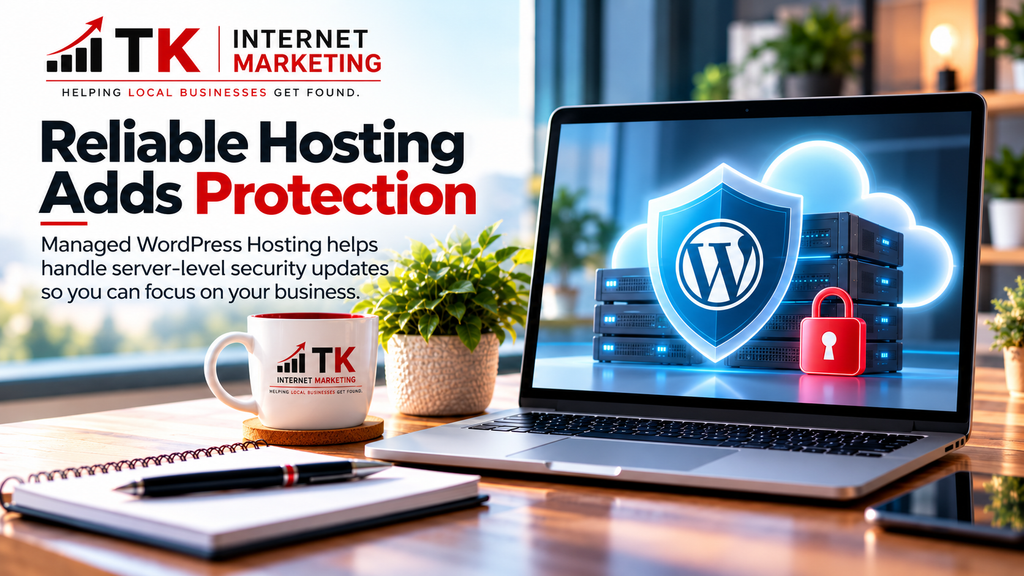
That’s one reason we’ve increasingly favored Managed WordPress Hosting at TK Internet Marketing.
As a GoDaddy hosting reseller, we work with a provider that maintains the underlying server infrastructure and handles many important server-level security updates for its managed hosting services.
During the October 2026 PHP security incident, GoDaddy published information about the vulnerabilities and the steps it had taken to address them.
That kind of communication is important to me because I want to know what’s happening behind the scenes with the hosting environments our clients depend on.
Managed WordPress Hosting doesn’t eliminate every security concern, but it can significantly reduce the technical burden associated with maintaining a website.
For our clients, the goal is straightforward: dependable hosting, fewer technical headaches, and more time to focus on their businesses.
Managed Hosting Is Important, but Website Maintenance Still Matters
Here’s something I want to emphasize.
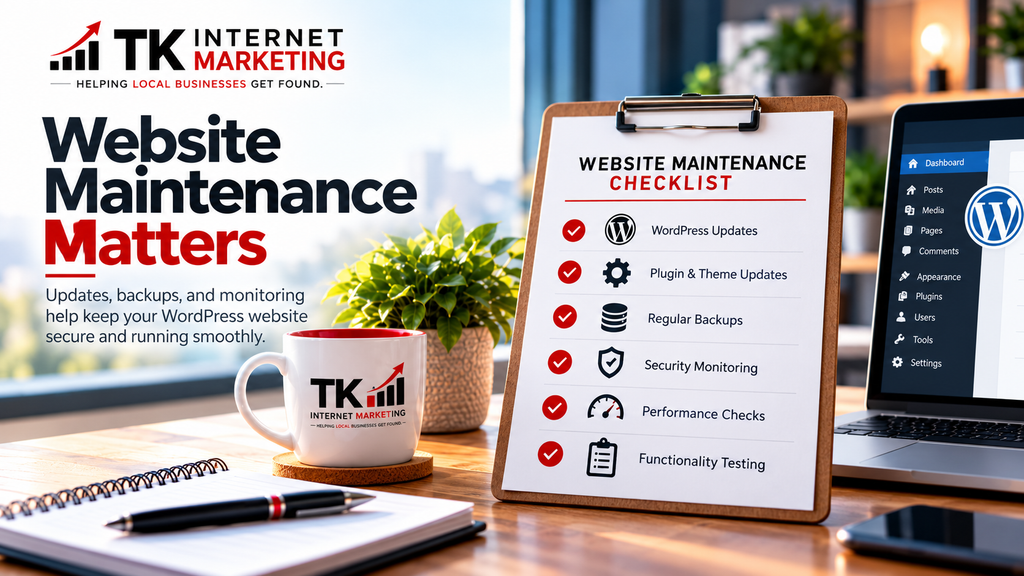
Managed WordPress Hosting and WordPress website maintenance are not the same service.
Even when your hosting provider manages PHP and server security, your WordPress website still needs attention.
That includes:
- WordPress core, theme, and plugin updates.
- Regular website backups.
- Monitoring for security and performance problems.
- Checking that forms, menus, and other website features work properly.
- Addressing compatibility issues when updates are released.
- Reviewing the website as technology and business needs change.
For a closer look at why regular updates and ongoing protection are so important, read our article, Why WordPress Security Matters More Than Ever for Small Business Websites.
This is why we offer WordPress Maintenance Plans at TK Internet Marketing.
Our plans provide different levels of ongoing care depending on a client’s website and needs.
For example, our Starter plan includes monthly maintenance and backups, while our Standard and Ultimate plans offer more frequent attention and additional support time.
Our Ultimate plan includes daily backup and update attention, along with priority support.
Not every small business needs the same level of service.
A simple informational website may require less maintenance than an active WooCommerce store with frequent transactions and multiple integrations.
We help clients choose a plan that makes sense for their situation rather than paying for services they don’t need.
The goal isn’t to make website maintenance complicated. It’s to make it manageable and predictable.
Should You Switch From WordPress to Wix, Shopify, or Another Website Builder?
I’ve been looking at this question myself.
Modern website builders have improved tremendously. Platforms such as Wix Studio, Shopify, and Squarespace offer attractive designs, built-in features, and managed infrastructure.
For some businesses, they may be the right choice.
A simple brochure website might work well on a hosted website builder. A business primarily selling products online might benefit from Shopify.
But that doesn’t mean an existing WordPress website should automatically be replaced.
Moving to another platform can involve redesigning pages, transferring content, rebuilding features, testing forms, and protecting existing search engine visibility.
It can also introduce new subscription costs and limitations.
WordPress remains a flexible option, particularly for businesses that want control over their content, design, and website functionality.
My recommendation is to evaluate your website based on what your business actually needs, not simply because another platform is newer or receiving attention.
If your WordPress website is meeting your needs and being maintained properly, there may be no good reason to replace it.
Five Things I Recommend Every Small-Business Website Owner Do
You don’t need to become a website security expert. But I do recommend understanding a few basics.
1. Know Who Is Responsible for Your Website Security
Ask your hosting provider or website maintenance company who handles server security, PHP updates, WordPress updates, and backups.
Don’t assume everything is included simply because you’re paying for hosting.
2. Keep Your Website Software Updated
Outdated WordPress plugins, themes, and software can create unnecessary security risks.
Critical updates should be evaluated and applied promptly. Other updates should follow a regular maintenance schedule with appropriate testing.
3. Make Sure You Have Reliable Backups
Backups are an important part of recovering from security incidents, technical problems, or accidental changes.
Make sure your website has recent backups and that they can actually be restored.
4. Use Strong Login Security
Use unique passwords, enable two-factor authentication when available, and limit administrative access to people who genuinely need it.
These simple practices can help reduce common security risks.
5. Have Someone You Trust Monitoring Your Website
Security announcements can be confusing, especially when they involve unfamiliar technical terms.
Having someone who understands your website and hosting environment can help you determine which issues require immediate attention and which are already being handled by your provider.
Frequently Asked Questions About WordPress and PHP Security
Is WordPress safe for small businesses in 2026?
Yes, WordPress can still be a secure and dependable platform for small businesses when it is properly hosted, maintained, and monitored. No website platform is completely immune to security vulnerabilities.
Does WordPress use PHP?
Yes. PHP is one of the main programming languages that powers WordPress. It handles many behind-the-scenes functions, including generating website pages and processing information.
Do PHP security vulnerabilities mean my WordPress website has been hacked?
No. A vulnerability means a potential weakness exists. It does not automatically mean someone has exploited it or gained access to your website.
Does updating WordPress fix PHP security vulnerabilities?
Not necessarily. WordPress updates and PHP security updates address different parts of your website environment. Your hosting provider or server administrator may need to apply PHP patches separately.
Does Managed WordPress Hosting include security updates?
Managed WordPress hosting generally includes management of important server-level components, but coverage varies by provider. WordPress plugins, themes, backups, and other maintenance tasks may still require separate attention.
Should I stop using WordPress because of security concerns?
Not solely because of the October 2026 PHP incident. If your website meets your business needs and has a dependable maintenance process, WordPress remains a reasonable choice.
My Final Thoughts: Don’t Let Security Headlines Make Your Website Decisions
After more than 23 years of helping businesses establish and maintain their online presence, I’ve learned that there’s rarely a one-size-fits-all answer when it comes to technology.
I take security announcements seriously because I know how important our clients’ websites are to their businesses.
But I also believe in keeping things in perspective.
The recent PHP vulnerabilities are a reminder that website security requires ongoing attention. They are not, by themselves, a reason to abandon WordPress.
For TK Internet Marketing, my focus is on making website management simpler, keeping security responsibilities clear, and helping our clients avoid unnecessary technical headaches.
That’s why we continue to offer Managed WordPress Hosting and WordPress Maintenance Plans designed to help small businesses keep their websites running reliably.
If you’re concerned about your WordPress website, I’d encourage you to have it reviewed before making any major changes.
Sometimes the best solution isn’t a new website or a different platform.
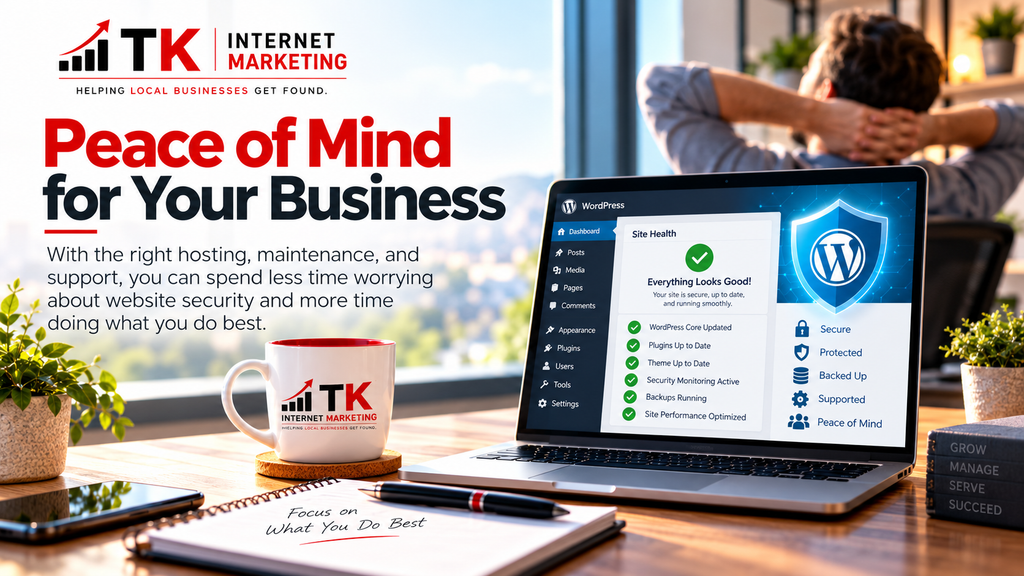
Sometimes it’s simply having the right hosting, maintenance, and support in place.
Need Help Keeping Your WordPress Website Secure?
At TK Internet Marketing, we’ve been helping North Texas businesses with their websites and online marketing since 2003.
Whether you need dependable Managed WordPress Hosting, ongoing WordPress Maintenance, or guidance about your current website, we’re here to help.
Explore Our WordPress Services
Kevin | TK Internet Marketing
Disclosure
TK Internet Marketing is a GoDaddy hosting reseller. We recommend hosting solutions based on our experience and our clients’ individual website needs.
