WordPress continues to be one of the most popular website platforms for small businesses, and for good reason. It is flexible, powerful, search engine-friendly, and customizable for almost any type of business website.
But that flexibility also comes with responsibility.
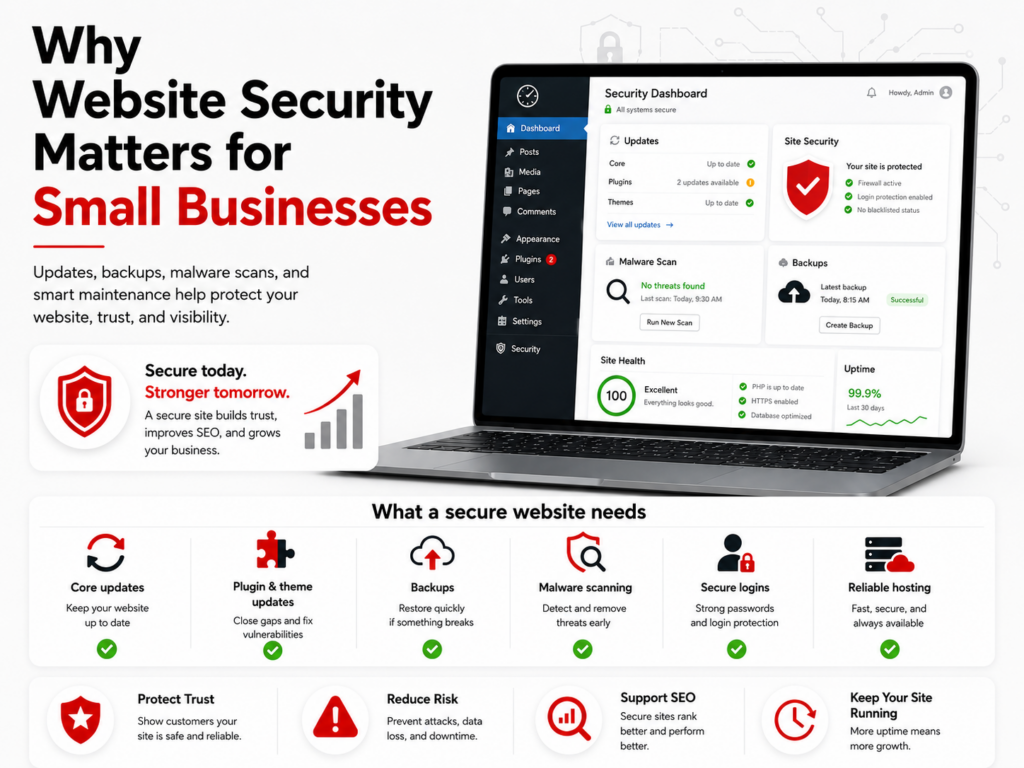
A WordPress website is not something you should build once and then ignore. Between core updates, plugin updates, theme updates, backups, malware scans, login protection, and hosting security, WordPress needs ongoing care.
For small businesses, website security is no longer just a technical issue. It affects trust, visibility, leads, and your ability to keep your business running online.
WordPress Is Powerful, But It Needs to Be Maintained
One of the biggest strengths of WordPress is its plugin ecosystem. Plugins can add contact forms, SEO tools, page builders, ecommerce features, calendars, security tools, analytics, social feeds, and much more.
That flexibility is one reason WordPress is so popular.
However, every plugin or theme added to a website can also introduce additional maintenance and security considerations. If plugins are outdated, poorly supported, abandoned, or installed unnecessarily, they can increase risk.
This does not mean small businesses should avoid WordPress. It means WordPress should be managed properly.
You don’t stop using your smartphone just because it needs an update. Similarly, you don’t delete an app you rely on simply because it requires updating. You wouldn’t toss out your computer because it needs an update, nor would you stop using your favorite web browser for the same reason. Instead, you update them and continue using them as usual.
The same applies to WordPress.
WordPress.org notes that WordPress takes security seriously, but issues can still arise when basic precautions are not followed.
A secure WordPress website should have:
- Regular WordPress core updates
- Plugin and theme updates
- Backups
- Malware scanning
- Secure administrator access
- Limited and trusted plugins
- Proper hosting configuration
- Monitoring for suspicious activity
- A recovery plan if something goes wrong
Security is not one single feature. It is an ongoing process.
Plugin Vulnerabilities Are a Major Risk Area
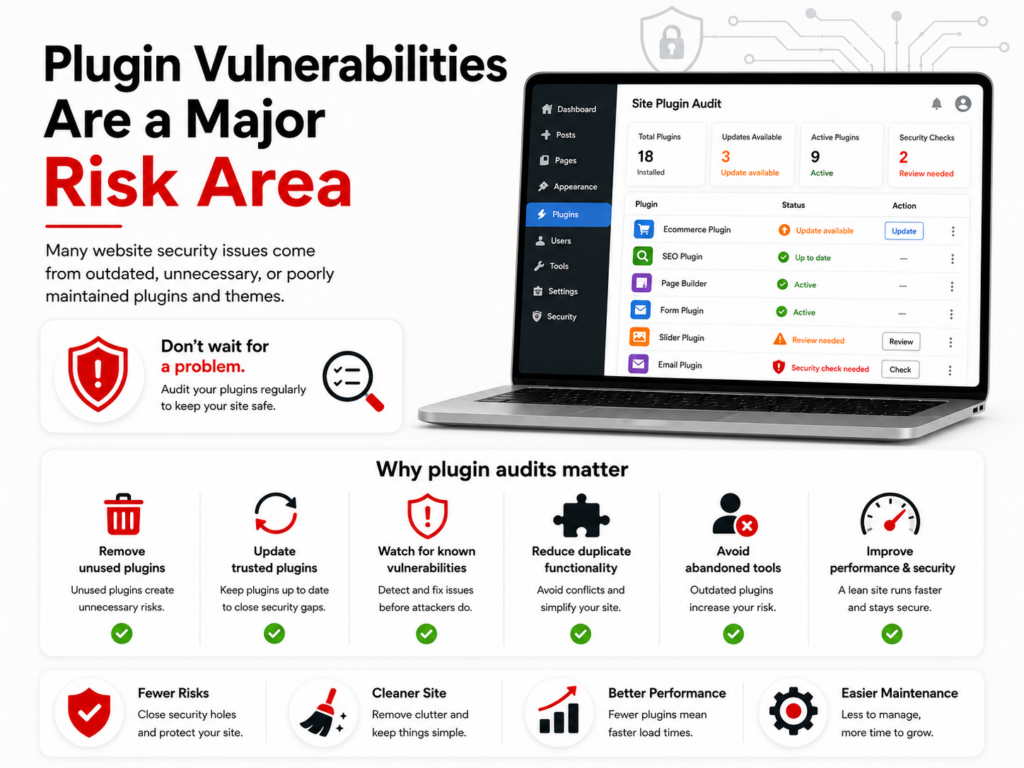
Most WordPress security problems do not come from WordPress core itself. They often involve plugins, themes, weak passwords, poor hosting practices, outdated software, or abandoned add-ons.
Recent WordPress security research shows why plugin and theme maintenance matters. Patchstack’s State of WordPress Security in 2026 reported that 91% of new vulnerabilities were found in plugins and 9% were found in themes.
That is why plugin auditing is so important.
Wordfence also maintains a public WordPress vulnerability database that tracks known vulnerabilities in plugins, themes, and WordPress core.
A plugin audit helps identify:
- Plugins that are no longer needed
- Plugins that have not been updated recently
- Plugins that duplicate other functionality
- Plugins with known vulnerabilities
- Plugins that may slow down the website
- Plugins that are no longer supported by the developer
- Plugins that create unnecessary risk
For small businesses, this matters because many websites accumulate plugins over time. A plugin may have been useful when the site was built, but years later it may no longer be necessary.
The fewer unnecessary plugins your website depends on, the easier it is to maintain and secure.
Why Routine Plugin Updates Aren’t Enough
An August 2026 Elementor Pro vulnerability offers a practical example. The serious flaw affected Elementor Pro 4.2.1 and earlier and, under a specific configuration involving an Elementor Pro Form widget with a non-required File Upload field, could allow an unauthenticated attacker to upload an executable file. Elementor released the patched version, 4.2.2, on August 19, 2026. The important point is not that every Elementor website was vulnerable in the same way; it is that a widely used premium plugin can create risk even on an otherwise well-maintained website. You can review the technical vulnerability disclosure from Patchstack for more detail.
This is why professional WordPress maintenance involves more than scheduling routine plugin updates. The real value is having a process to:
- Monitor new vulnerability disclosures
- Identify whether a managed website is actually affected
- Deploy the correct patched version promptly
- Maintain a reliable backup before significant updates
- Check the website after the update
- Confirm that functionality, forms, layouts, and security remain intact
That combination of awareness, response, backup protection, and post-update testing is central to a responsible WordPress maintenance service. It helps small businesses address urgent security fixes without treating every update as a simple one-click task.
Website Security Also Affects Customer Trust
When a visitor lands on your website, they expect it to load correctly, look professional, and feel safe.
If your site displays security warnings, redirects to suspicious pages, loads spam content, or goes offline, it can quickly erode trust.
A compromised website can affect:
- Customer confidence
- Lead generation
- Search engine visibility
- Brand reputation
- Website performance
- Email deliverability
- Online forms and contact requests
- Ecommerce transactions
- Advertising campaigns
For many small businesses, the website is the front door of the company. If that front door looks unsafe, broken, or unreliable, potential customers may move on to a competitor.
Even Simple WordPress Websites Can Be Hacked
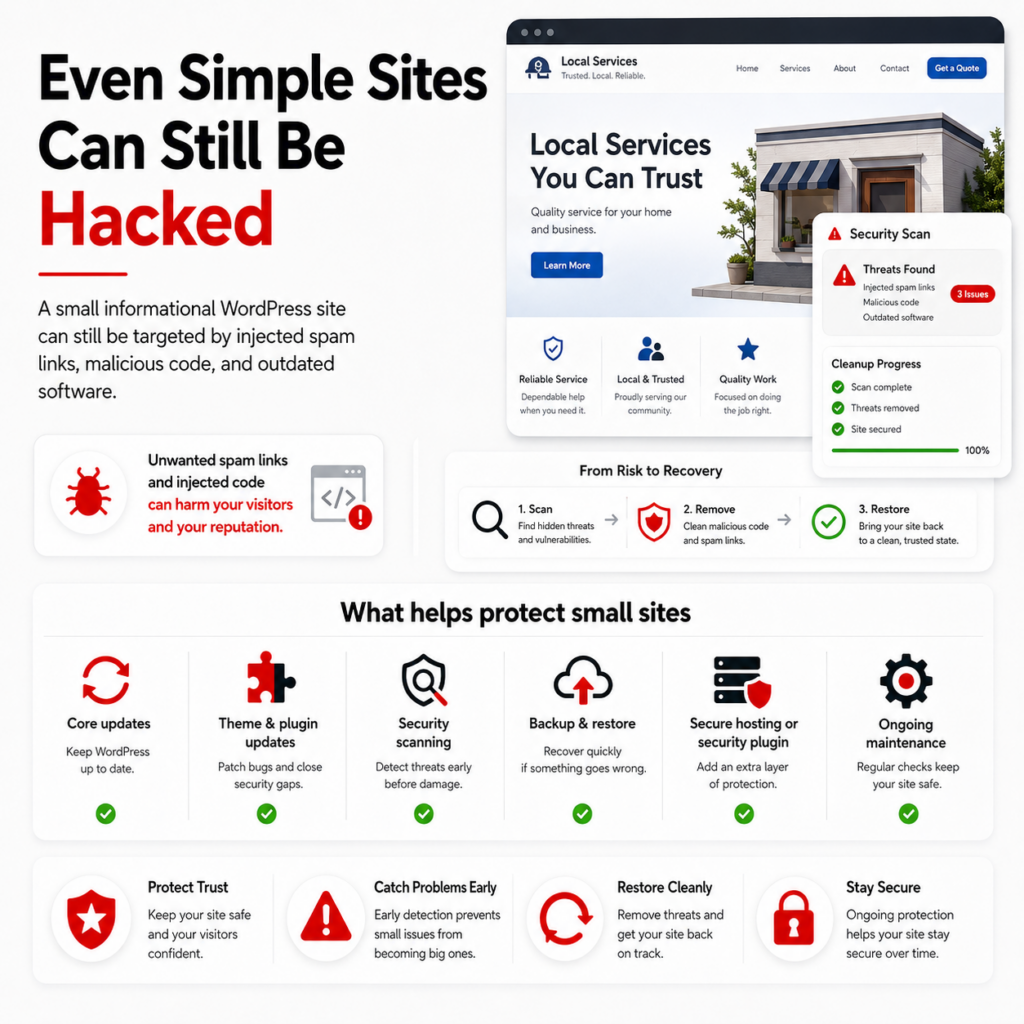
One real-world example involved a Christian marriage counselor’s website. Her site was very simple and informational, but it was still hacked. Malicious code had been injected into the site, creating links to inappropriate adult websites.
This was especially damaging because her business was built around trust, counseling, and Christian values. A hacked website like that can quickly hurt credibility, create embarrassment, and make visitors question whether the site is safe.
We were able to run security scans, identify the injected code, and clean up the website by removing the malicious content.
The important lesson is this: website security is not just a concern for large, complex, or e-commerce websites. Even a small, simple WordPress site can be targeted.
This type of issue is commonly referred to as SEO spam, where attackers inject unwanted links, spam pages, or redirects into a compromised website.
What matters is that WordPress core, plugins, and themes are continually updated, and that some type of security protection is in place. That may include server-side protection through managed WordPress hosting, a properly configured WordPress security plugin, malware scanning, backups, or a combination of these safeguards.
A simple website still needs ongoing maintenance.
That is why WordPress security should be treated as an ongoing business responsibility, not a one-time setup task.
Managed WordPress Hosting Can Help Reduce Risk
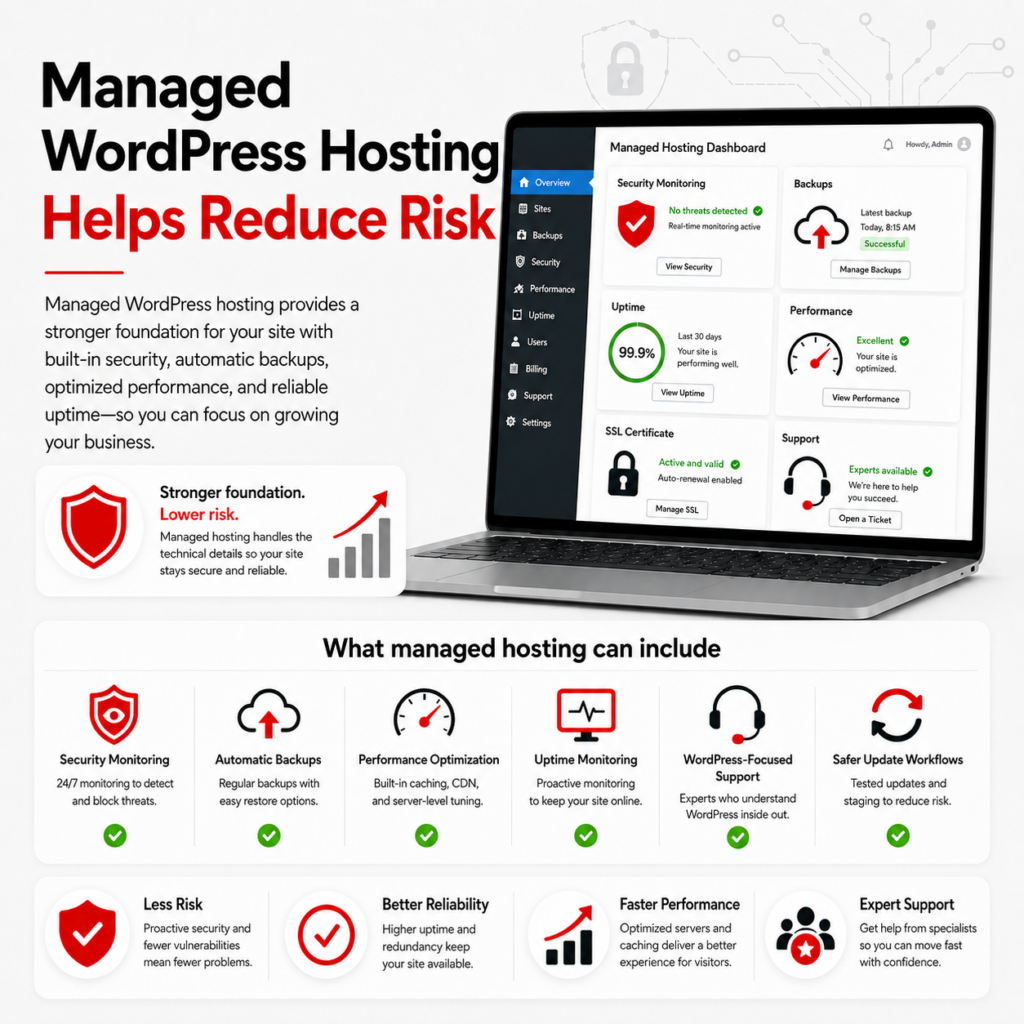
Not all hosting is the same.
Basic hosting may provide space for your website, but it may not include the level of WordPress-specific care your business needs. Managed WordPress hosting is designed to provide a more focused environment for WordPress websites.
A strong managed WordPress hosting setup may include:
- WordPress-focused server configuration
- Security monitoring
- Malware scanning
- Backups
- Performance optimization
- Update support
- Plugin review
- Better admin workflows
- SSL support
- Uptime monitoring
- Help when something breaks
For small businesses, this can be valuable because it reduces the burden of managing technical issues on their own.
Managed WordPress hosting does not make a website automatically immune to every security issue. However, it can provide a better foundation and a more proactive approach than basic unmanaged hosting.
Avoid purchasing inexpensive web hosting and don’t make decisions based solely on cost. Compare different hosting plans to find the best solution for your unique needs.
Updates Should Be Handled Carefully
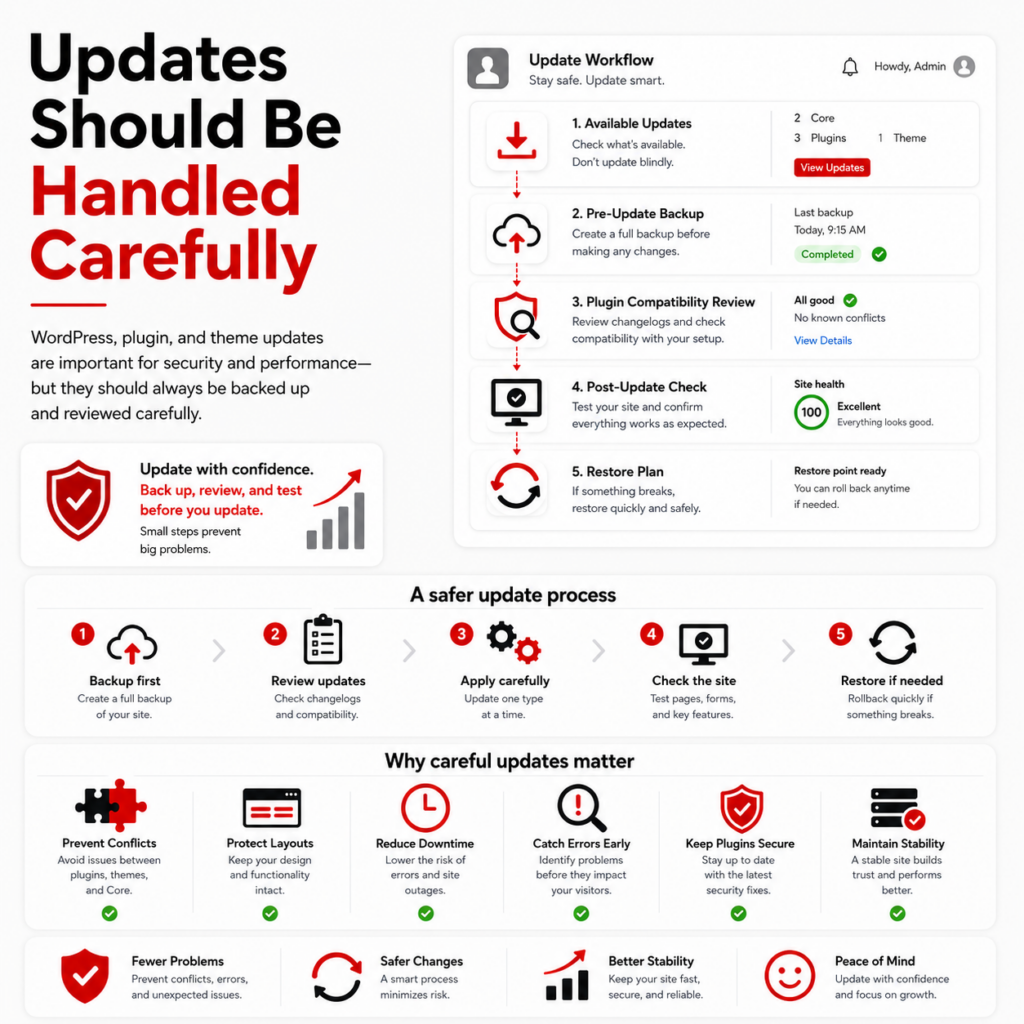
Keeping WordPress updated is important, but updates should still be handled with care.
A plugin or theme update can sometimes conflict with another plugin, affect page layouts, or cause unexpected issues. That is why updates should be monitored, tested when appropriate, and properly backed up.
A safer update process includes:
- Using a staging site to test major updates
- Creating a backup before major updates
- Reviewing available updates
- Checking for known plugin conflicts
- Updating trusted plugins and themes
- Reviewing the website after updates
- Watching for errors or broken layouts
- Having a restore plan if something goes wrong
For small business owners, this is one of the main reasons to use a WordPress maintenance service. The goal is not only to apply updates but also to do so responsibly.
Backups Are Part of Security
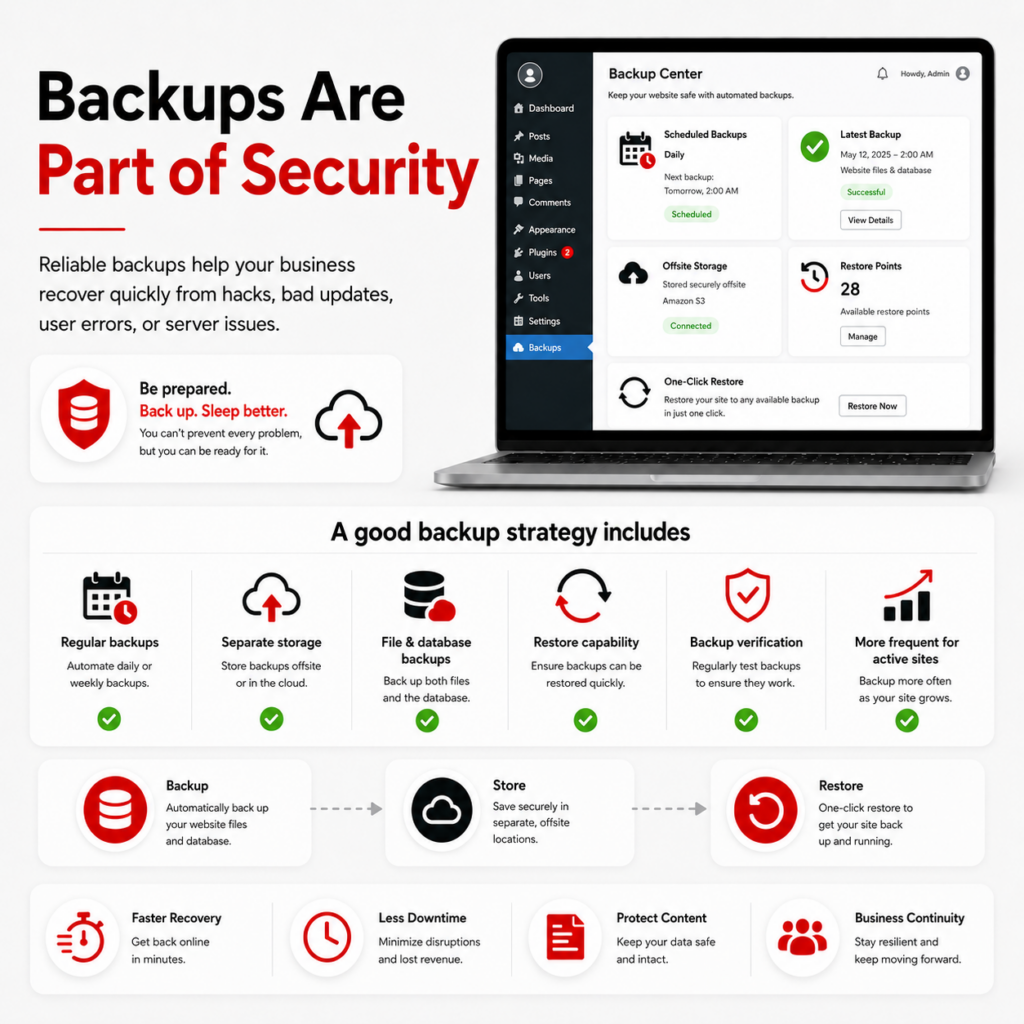
Backups are not just a convenience. They are part of your website security plan.
If a website is hacked, broken by an update, damaged by user error, or affected by a server issue, a reliable backup can make recovery much easier.
A good backup strategy should include:
- Regular scheduled backups (weekly or daily)
- Backups stored separately from the website (off-site)
- The ability to restore files and database content
- Testing or confirming backups are working
- More frequent backups for ecommerce or active websites
- A minimum of 90 days of backups
For a small business, a backup can be the difference between a minor disruption and a major business problem.
Malware Scanning Helps Catch Problems Early
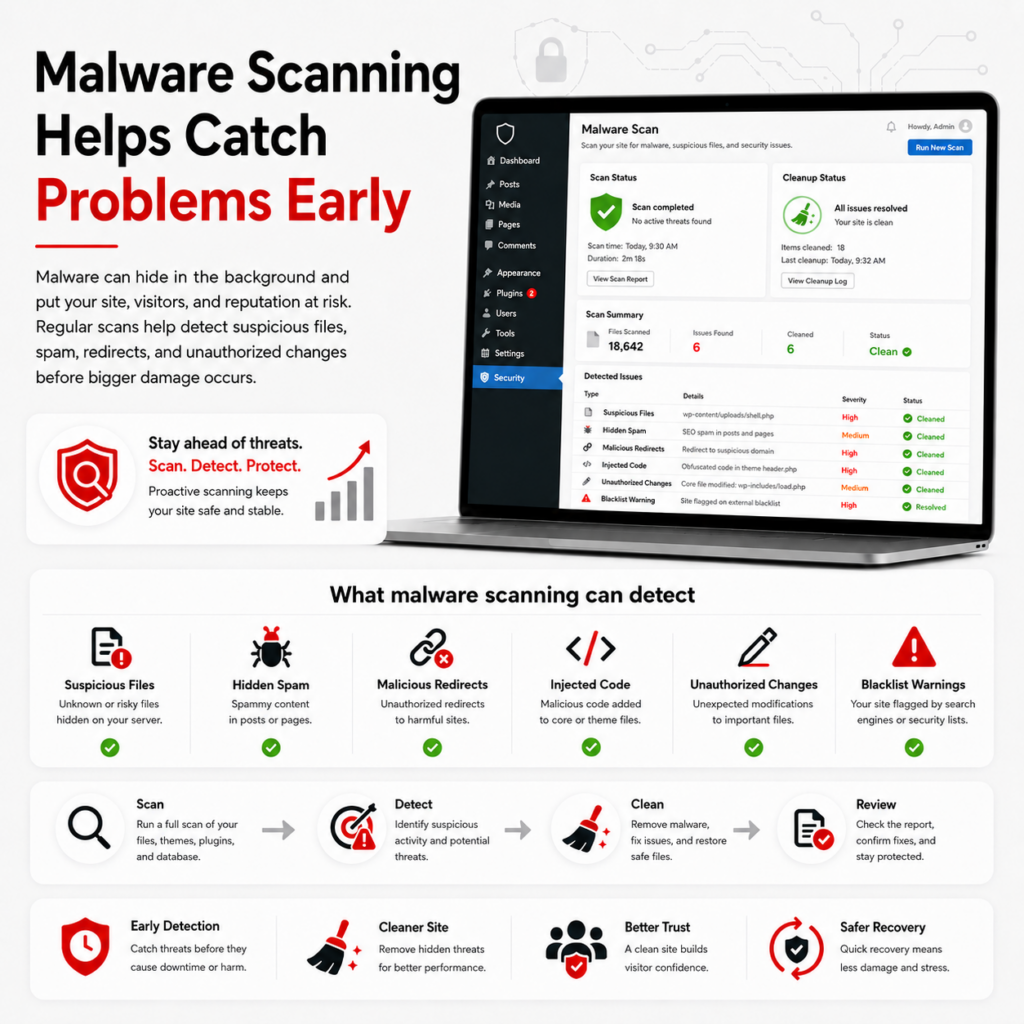
Malware does not always announce itself clearly.
Sometimes a hacked WordPress site may look normal to the business owner while hidden spam pages, redirects, injected scripts, or malicious files are present in the background. This was true with the client mentioned earlier.
Malware scanning helps identify issues such as:
- Suspicious files
- Known malware patterns
- Unauthorized changes
- Hidden spam content
- Malicious redirects
- Compromised plugins or themes
- Blacklist warnings
Security cleanup guides often recommend scanning the site, identifying malicious files or injected code, removing malware, and reviewing the site for reinfection risks.
The earlier a problem is detected, the easier it may be to fix.
We recommend daily malware scans.
Login Security Still Matters
Many WordPress attacks target login pages, weak passwords, exposed admin accounts, or poor user permissions.
Small businesses should review:
- Administrator accounts (protect them!)
- Password strength (WordPress generated)
- Unused user accounts (delete them!)
- Two-factor authentication (use everywhere!)
- Login attempt protection
- User roles and permissions
- Whether former employees or vendors still have access (delete them!)
Don’t give Administrator roles to everyone. Also don’t allow your staff to use your admin logins. Treat these like you would your own computer logins. Protect them!
Not every user needs administrator access. Limiting permissions can reduce risk and help protect the site from mistakes or unauthorized changes. Use user roles and permissions for staff and vendors.
I’ve had many clients not do this and contact us after the fact, after they were hacked, a disgruntled fired employee gained access through their logins, or an employee made changes, either on purpose or by accident, and destroyed their entire site!
Use the built-in WordPress password generator for a strong password. You’ll thank me later. 🙂
Use two-factor authentication with WordPress and, for that matter, everywhere. This provides an additional level of security for your WordPress site.
Security Is Also an SEO Issue
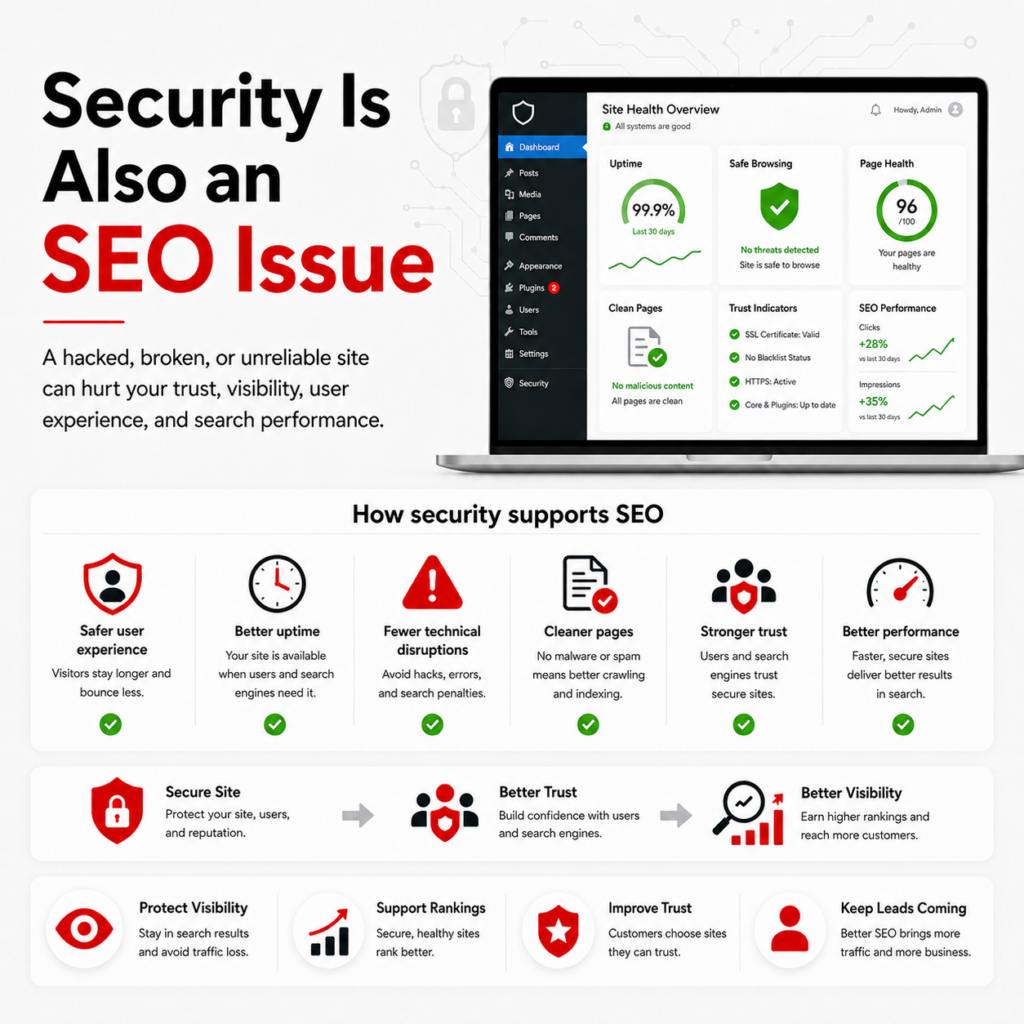
Website security can affect SEO and local visibility.
If a website is hacked, infected, blocked, or filled with spam pages, search engines may reduce trust in that site. Visitors may also see browser warnings or avoid clicking on the result.
A secure website supports SEO by helping provide:
- A safer user experience
- Better uptime
- Cleaner website structure
- Fewer technical disruptions
- More trustworthy pages
- Better performance and reliability
For local businesses, SEO and security should not be treated as separate issues. A website that is secure, maintained, and technically healthy is better positioned to support long-term visibility.
Small Businesses Should Avoid the “Set It and Forget It” Approach
Many small businesses invest in a new website and then assume the work is finished.
But websites are not static brochures anymore. They rely on software, databases, plugins, themes, forms, scripts, hosting, and integrations. Those pieces need to be monitored and maintained.
A neglected WordPress site can become vulnerable over time, even if it looked great when it launched in 2003.
Common warning signs include:
- Plugins that have not been updated in months
- Themes that are no longer maintained
- Too many installed plugins
- Unknown administrator accounts
- Missing backups
- No malware scanning
- Slow loading pages
- Broken forms
- Security warnings
- Old PHP versions
- No clear maintenance plan
If any of these apply, it may be time for a WordPress security and maintenance review.
What a WordPress Security Review Should Include
A basic WordPress security review should look beyond whether the website is online.
Important areas to review include:
- WordPress core version
- Plugin and theme status
- Plugin quality and necessity
- Administrator users
- Backup schedule
- Malware scan results
- Hosting environment
- SSL certificate
- Security plugin configuration
- Login protection
- Website performance
- Broken links or errors
- Form functionality
- Overall maintenance process
This kind of review helps identify what is working, what needs attention, and what may create future risk.
Why This Matters for Small Business Owners
Most small business owners do not have time to monitor plugin vulnerabilities, test updates, review hosting settings, scan for malware, and troubleshoot technical issues.
That is understandable.
But ignoring website security can be expensive. A hacked or broken website can cost more to repair than it would have cost to maintain properly in the first place.
Proactive WordPress maintenance can help protect:
- Your website
- Your customer trust
- Your search visibility
- Your lead generation
- Your content
- Your time
- Your business reputation
Security is no longer just an IT concern. It is part of running a professional online presence.
How TK Internet Marketing Can Help
At TK Internet Marketing, we help small businesses manage and maintain WordPress websites with a practical, proactive approach.
Our WordPress services can include:
- WordPress updates
- Plugin auditing
- Malware scanning
- Website backups
- Performance review
- Security review
- WordPress maintenance
- Managed WordPress hosting guidance
- SEO and content support
- Technical troubleshooting
The goal is simple: keep your WordPress website secure, up to date, and running properly so it can continue supporting your business.
Is Your WordPress Website Being Properly Maintained?
If you are not sure when your website was last updated, whether your plugins are safe, or whether your backups are working, now is a good time to review your site.
A proactive WordPress maintenance plan can help reduce risk, improve reliability, and give you more confidence in your website.
Contact TK Internet Marketing to request a WordPress website review or learn more about our WordPress maintenance and managed WordPress hosting services.
Is WordPress secure for small business websites?
Yes, WordPress can be a secure platform for small business websites when it is properly maintained. Most security issues come from outdated plugins, weak passwords, poor hosting, abandoned themes, or lack of ongoing maintenance.
How often should WordPress plugins be updated?
Plugins should be reviewed regularly and updated when safe to do so. Some updates are routine, while others include important security fixes. It is best to back up the website before major updates and review the site afterward.
Do I need managed WordPress hosting?
Managed WordPress hosting can be helpful if you want a more WordPress-focused environment with better support for updates, backups, security, and performance. It is especially useful for business websites that need ongoing reliability.
What is a WordPress plugin audit?
A plugin audit reviews the plugins installed on your website to determine which ones are necessary, outdated, duplicated, unsupported, vulnerable, or slowing down the site.
Why are backups important for WordPress security?
Backups help you recover if your website is hacked, broken by an update, damaged by user error, or affected by a server issue. A reliable backup strategy is an important part of website security.
Can website security affect SEO?
Yes. A hacked, infected, or unreliable website can hurt customer trust and may affect search visibility. A secure and well-maintained website supports a better user experience and stronger SEO foundation.
What should small businesses do first?
Start with a WordPress security and maintenance review. Check your updates, plugins, backups, administrator users, malware scanning, hosting environment, and overall maintenance process.
