
🚀 Why Website Speed Matters More Than You Think
Your website might look great—but if it loads slowly, most visitors won’t stick around long enough to see it.
In fact, if your site takes more than a few seconds to load, users will often leave and go straight to a competitor.
And here’s the key:
👉 Website speed doesn’t just affect user experience—it directly impacts your SEO rankings and conversions.
📊 The Simple Test: Check Your Website Speed
You can check your website speed in under a minute using:
Just enter your website URL and look at your mobile score.
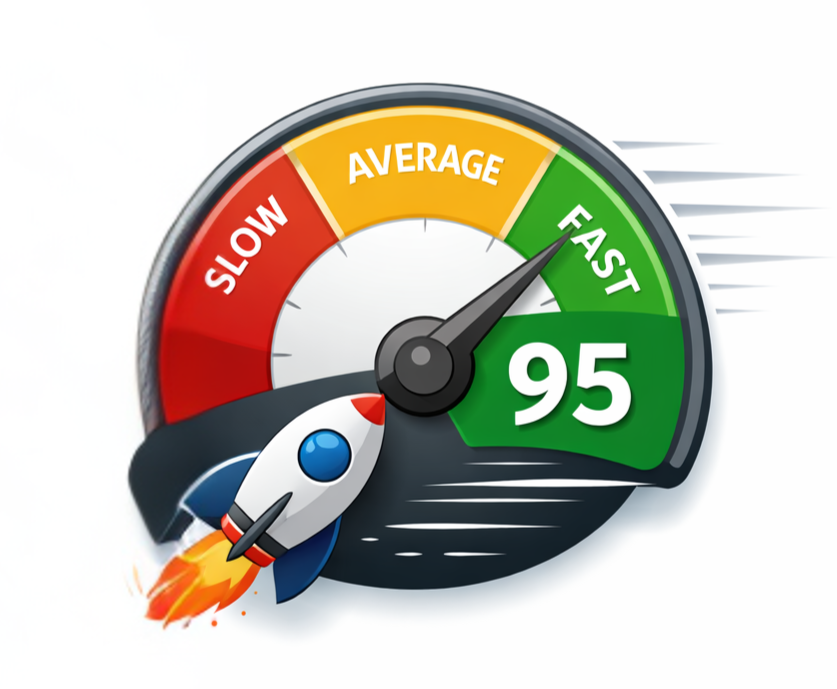
What Your Score Means:
- 90–100 → Great (optimized)
- 70–89 → Needs improvement
- Below 70 → ⚠️ You’re likely losing visitors
⚠️ What Happens When Your Website Is Slow
A slow website can lead to:
- Higher bounce rates
- Lower search rankings
- Fewer leads and conversions
- Poor user experience on mobile devices
Even a 1–2 second delay can make a noticeable difference.
🔧 Common Causes of Slow WordPress Websites
If you’re running a WordPress site (like most businesses), here are the biggest culprits:
1. Too Many Plugins
Every plugin adds weight and potential conflicts.
👉 If you’re not using it—remove it.
2. Unoptimized Images
Large image files slow your site down significantly.
👉 Compress and resize images before uploading.
3. Poor Hosting
Not all hosting is created equal.
👉 Cheap or overloaded hosting = slow performance.
4. No Caching or Optimization
Without caching, your site reloads everything from scratch every time.
👉 Use performance tools to improve load speed.
📍 How Website Speed Impacts Local SEO
If you’re targeting local customers (Frisco, McKinney, Plano, etc.), speed becomes even more important.
Google prioritizes:
- Fast-loading websites
- Mobile-friendly experiences
- Sites that keep users engaged
👉 A slow site can hurt your visibility in Google Maps and local search results.
📈 Real Results: Why Speed Matters
We recently worked with a client whose site was loading slowly on mobile.
After optimizing their speed:
✔ Visitors stayed longer
✔ Bounce rate dropped
✔ Form submissions increased
No extra traffic needed—just better performance.
🎯 What You Should Do Next
Start with this:
- Run your site through PageSpeed Insights
- Check your mobile score
- Identify major issues
If your score is under 70, it’s worth taking a closer look.
💡 Want Help Improving Your Website?
If you’re not sure what the results mean—or how to fix them—I can help.
👉 Request a free Local SEO audit:
https://tkinternetmarketing.com/local-seo-audit/
You’ll get:
- A detailed audit report
- What’s working
- What needs improvement
- Simple next steps
No obligation—just helpful insights.
🏁 Final Thoughts
Your website is often your first impression.
If it’s slow, it could be quietly costing you traffic, leads, and revenue.
The good news?
Most speed issues are fixable—and the impact can be immediate.
